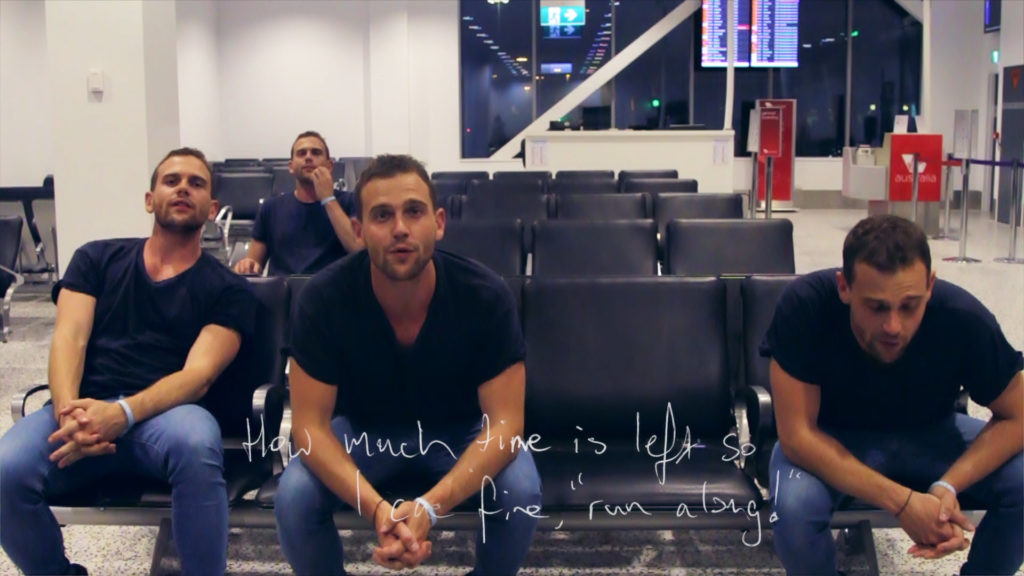
I recently put this video together for Buchanan. This was a very fun shoot at the Melbourne Airport that required a lot of Rotoscoping to composite everything all together!
In case you missed the premiere on @VamprApp, here is the brand new video for Pressure in an Empty Space! https://t.co/qlShuR84gZ
I’m very excited to be able to share one of my favourite LODE projects from early 2015. This 3D animation was created to detail The Riparian Project’s goal of shifting grazing practices to improve river health.
Envisioned as a looping continuous video without edits, it shows the negative effect livestock cause to rivers and the knock-on effect this has on the entire ecology downstream and in the surrounding environment. By erecting fences along the river to keep livestock out, the river can repair itself and the land around it. Solar powered water troughs allow the livestock to still drink from the river from a safe distance.
This was created for Jen Rae’s PhD exhibition: Art & The Anthropocene on Thursday the 14th of May, 2015.
I was involved with this project and took the initial script to an animatic, asset creation, animation, shading, lighting, rendering, compositing and the audio soundtrack.
I completed this project in May 2015 and used it as a qualifier for the fantastic new Alembic implementation in Autodesk 3ds Max 2016. You can find some more videos about the production process for this animation on my Channel.
This is a short animation test that was created in 45 mins for a recent project pitch.
It is an attempt to achieve a ‘hand drawn’ 2D animation style using After Effects. Basic workflow:
[list style=”list_2″]
[li]I drew the artwork in Illustrator using Pen tool, modified paths with variable stroke tool to get the look desired.[/li]
[li]separated elements into individual layers as required.[/li]
[li]imported the .AI in to After Effects[/li]
[li]Set comp to 12 FPS.[/li]
[li]”Convert Vector to shape layer” command (After Effects CC).[/li]
[li]Used wiggle expression on ‘Twist’ and ‘Offset Paths’ Modifiers of the shape layers.[/li]
[li]Used a recent fluid sim rendered sequence as a track matte for the colour reveal[/li]
[/list]
This is a quick workflow and allows you to approximate the look of the organic moving lines of 2D animation after only drawing one frame.
Also easy to Update and iterate. The wiggle expression is slightly different per layer to not look too computerised. It is easy to apply this expression to other shots.
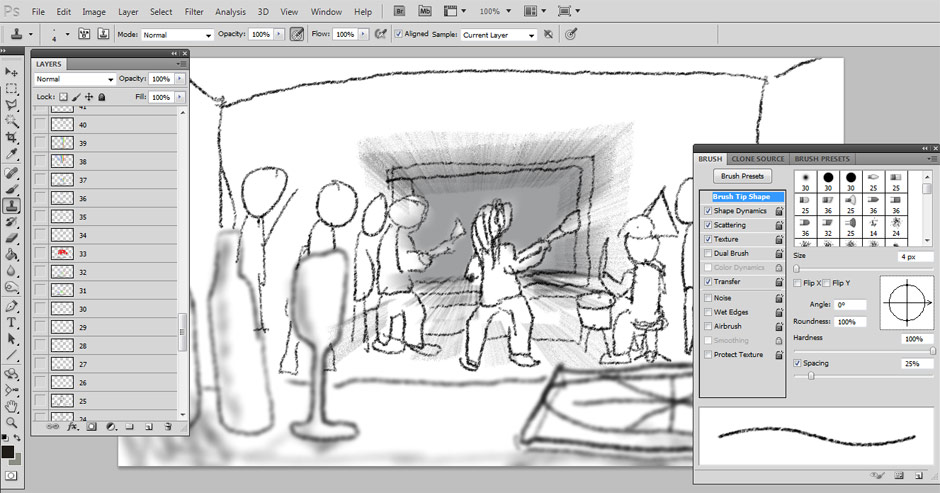
[image title=”An overview of my Storyboarding Process” width=”544″ height=”385″] http://thelode.com.au/wp-content/uploads/2012/06/Photoshop_Brush.jpg [/image]
I spent the 2nd half of 2011 working on the ‘Last Guitar Hero’ – an ambitious short film that was shot in ‘1st person perspective’ and in Stereoscopic 3D. This short tutorial covers the storyboarding stage for the film and details my workflow during these pre-production stages.
In a nutshell, my method of storyboarding involves using Photoshop and After Effects together so I can create a storyboard & animatic at the same time. For an animated production, or a Video production that relies on CGI & Visual FX, I think a method like this is timesaving and helpful! You can follow the link above to view the tutorial on my second website, ‘LastGuitarHero.com,’ which has been setup specifially for my short film. The short film was part of my final honours year assessment and is sadly yet to be completed. It will be, one day!
Originally created for my student blog, this tutorial gives viewers an overview of motion blur and how this effect is achieved within After Effects.
The video covers both the standard motion blur switches, the global settings for motion blur, as well as some 1st and 3rd party plugins that can help you add motion blur to sharp footage or 3D rendered animations.